
FAQ article · AI & Automation · Public knowledge base
How Does AI Help With Replies and Follow-Up?
AI helps campaigns turn incoming voter replies into organized signals, campaign-approved responses, and clear follow-up actions without requiring staff to manually review every conversation from scratch.
6 min read · Published September 6, 2026 · Updated September 11, 2026

Quick answer
AI helps campaigns turn incoming voter replies into organized signals, campaign-approved responses, and clear follow-up actions without requiring staff to manually review every conversation from scratch.
In this article
What Happens When a Voter Replies?
When a voter responds to a FreeMessaging.ai message, the reply can enter an AI-assisted workflow designed in advance with the campaign. The goal is not simply to generate an answer. It is to understand the reply, determine the appropriate next action, and preserve useful campaign information.
How Does AI Classify Replies?
- Identify the intent of the reply, such as support, a question, volunteer interest, event interest, fundraising interest, or an opt-out.
- Classify the reply into campaign-approved categories so the inbox does not become an unstructured queue.
- Use the candidate knowledge base when an approved answer is available.
- Route sensitive, ambiguous, or out-of-scope conversations to campaign staff when human review is needed.
- Record useful voter signals and follow-up needs in the voter CRM.
- AI can help convert free-form voter text into structured campaign signals. The exact categories depend on the messaging program, but common classifications may include:
- Supporter or positive response.
- Undecided or needs more information.
- Volunteer, event, or donor interest.
- Issue or policy question.
- Follow-up required, wrong contact, or opt-out / suppression request.
How Does AI Use Campaign-Approved Knowledge?
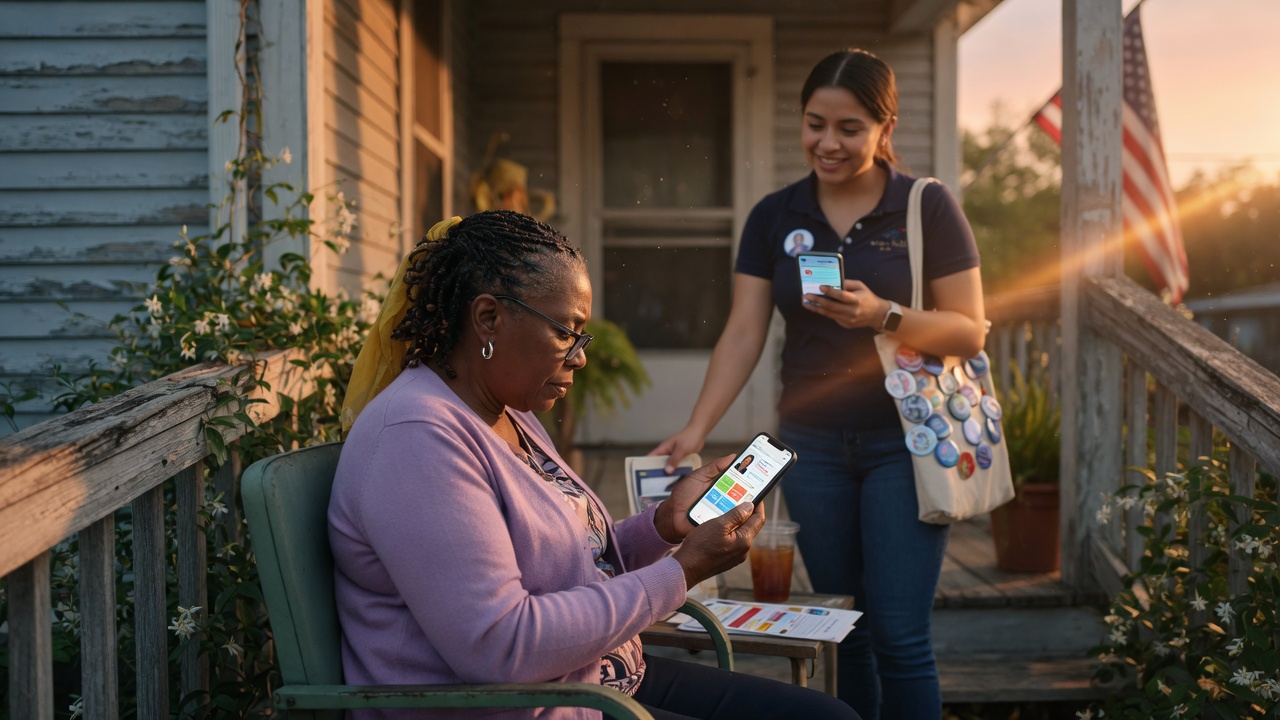
FreeMessaging.ai can use the candidate knowledge base built during onboarding to support responses to common voter questions. That knowledge base can include the candidate biography, campaign-approved policy positions, issue explanations, FAQs, and approved response language.
AI should stay within the approved knowledge and workflow. If the answer is not supported, the question is unusually sensitive, or the campaign has required human review, the conversation should be escalated instead of improvised.
When Does AI Escalate to a Human?
AI is most useful for repetitive classification, common questions, and routine follow-up. It should not be treated as a substitute for campaign judgment in every conversation. A human handoff may be appropriate when:
- The voter asks a question that is not covered by approved campaign information.
- The reply involves legal, compliance, media, opposition-research, crisis, or other sensitive issues.
- The voter asks for a commitment or position the campaign has not approved.
- The conversation is ambiguous or the AI confidence is too low for a reliable classification.
- The campaign has specifically designated that topic for staff handling.
How Does AI Help With Follow-Up?
The value of AI is not limited to the first reply. Once a response is classified, FreeMessaging.ai can help determine what should happen next based on the campaign-approved workflow.
For example, a supporter can enter a supporter follow-up or GOTV path; a volunteer lead can be routed to the volunteer team; an issue question can receive approved information or a WhyIVote link; and a voter who needs human attention can be placed into a staff follow-up queue.
How Does AI Update the Voter CRM?
- Attach the reply and conversation history to the appropriate contact record.
- Add or update supporter status and other campaign-approved classifications.
- Capture volunteer, event, fundraising, or other engagement signals.
- Record issue interests or recurring voter questions where useful.
- Create a follow-up status, owner, or next-action field when the workflow requires it.
- Preserve opt-out and suppression signals so future messaging respects the campaign’s contact rules.
How Does WhyIVote Fit In?
AI does not have to force every answer into a text thread. When a voter wants more information, the messaging workflow can direct the voter to a WhyIVote mobile candidate profile, issue page, or voter Q&A experience.
This creates a broader path: SMS gets attention, AI helps handle the conversation, WhyIVote gives interested voters more depth, and the voter CRM captures what the campaign learned for future follow-up.
Does AI Replace Campaign Staff?
No. FreeMessaging.ai is designed to add execution capacity to the campaign, not replace the campaign’s judgment, approvals, consultants, or staff. AI handles repeatable work and helps surface what deserves attention; the campaign defines the approved content, escalation rules, and follow-up priorities.
Where Does This Fit in Onboarding?
AI reply and follow-up rules are designed primarily in Step 7, Design Messaging Programs, using the candidate knowledge base from Step 6 and the voter CRM from Step 5. The workflow becomes active in Step 8, Launch & Manage Conversations, and the resulting signals are reviewed in Step 9, Analyze & Optimize.
The exact level of automation can vary by campaign. A campaign can use AI mainly for classification, for approved-answer assistance, for follow-up routing, or for a combination of these functions.